Using the Workspaces Library
The Workspaces Library is where you open, run, and customize saved workspaces. Each workspace is a grid of widgets (charts, tables, runbooks, text, and others) that display data from Riverbed Console. You choose a workspace from a list to load it, or create a new one. There is no main table as in Data Forensics. You work directly with the widget canvas.
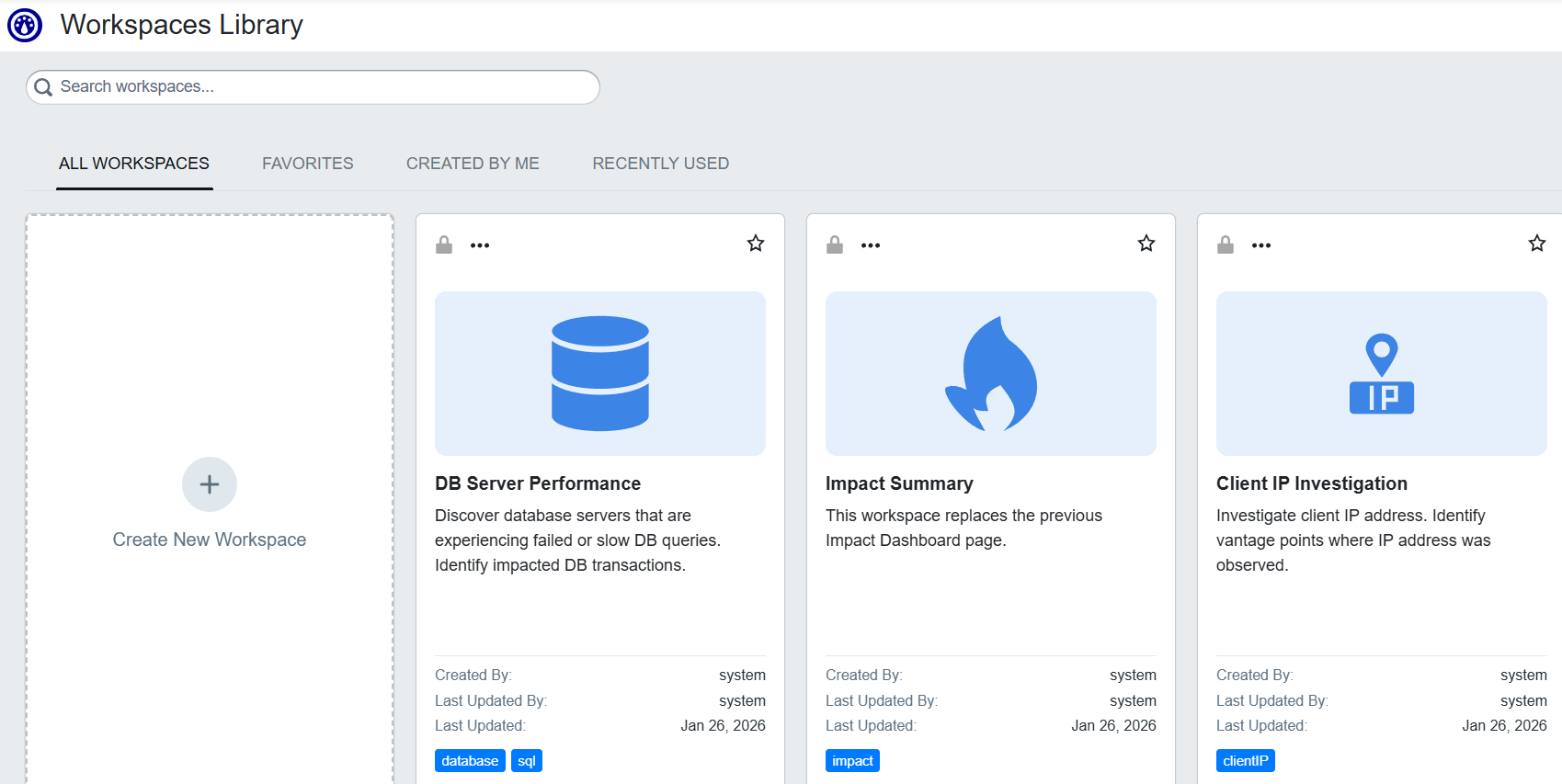
What you see in the Library
When you open the Workspaces Library, you will see:
-
Workflow list: A list of workspaces on the left, with tabs for All Workspaces, Created By Me, Favorites, and Recently Used. The list includes preconfigured workspaces (built-in options from Riverbed) and workspaces you or your team have saved. You select a workspace from the list to load it onto the canvas.
-
Canvas: The main area where the loaded workspace appears. The canvas shows a grid of widgets. You can view the workspace as-is or enter edit mode to add, remove, resize, or configure widgets.
Which workspaces appear in the list depends on your environment, permissions, and feature flags. For where workspaces are stored and how the tabs are populated, see Stored Workspaces and Widgets. For how to select and switch between workflows, see Selecting and Switching Workflows.
When to use the Workspaces Library
Use the Workspaces Library when you want a ready-made or custom dashboard for a recurring use case (e.g. tunnel usage, performance by application, impact summary). You can run a preconfigured workspace with no changes, or duplicate and customize it. You can also create a new workspace from scratch and add widgets to match your needs. For help deciding between the Library and Data Forensics, see Understanding Data Forensics and the Workspaces Library and Choosing the Right Workspaces Module.
Next steps
To create a new workspace, add widgets, or edit an existing workspace, see Building and Managing Workspaces in the Workspaces Library. To add or customize widgets and set up interactions between them, see Editing Workspaces and Configuring Interactions in the Library and Using Insights in the Workspaces Insight Library.