Stored Workspaces and Widgets
Workspaces in the Workspaces Library and the set of available widgets are stored and provided by a backend data store templates service. This service gives you a single, tenant-wide list of workspaces and widgets, and allows for one-time migration of workspaces that were previously saved locally.
Automatic migration when you open the Library
When you open the Workspaces Library, the product checks whether you have workspaces saved only in your browser preferences. If it finds any, it migrates them to the workspaces API. During migration you see an overlay with a message that legacy workspaces are being moved and are asked to wait. After migration finishes, those workspaces appear in the list under the Created By Me tab. Migration runs only once. The next time you open the Library, your list loads from the Workspace service without migrating.
Where to find stored workspaces
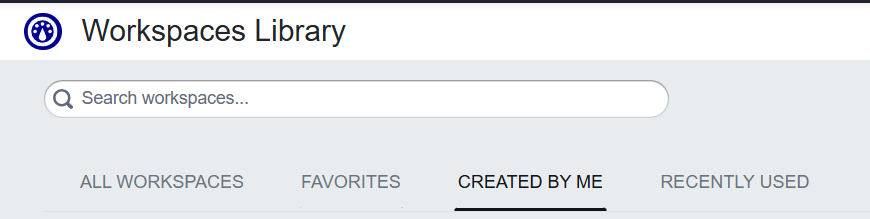
Stored workspaces appear in the Workspaces Library. The All Workspaces tab shows both preconfigured workspaces and workspaces you or others have created. The Created By Me tab shows only workspaces you created. For how to open the Library and use the list, see Using the Workspaces Library.
What is stored in the service
The service stores:
-
Workspaces: Saved workspaces, including both preconfigured workspaces and workspaces you or your team have created or customized.
-
Widgets: The catalog of widgets (e.g. Data Store, Runbook, Text) and their resources that the product uses to build workspaces.
Workflows (troubleshooting sequences in Data Forensics) can also be stored by the same service in some flows. The exact list you see may still include items from user preferences depending on context.