CloudIM Landing Page
The CloudIM landing page provides shortcuts to CloudIM setup and monitoring features, along with a summary of the configured cloud environment.
Navigate to the CloudIM landing page:
-
Click Apps in the left menu.
-
Click Apps Library.
-
Open NetIM+.
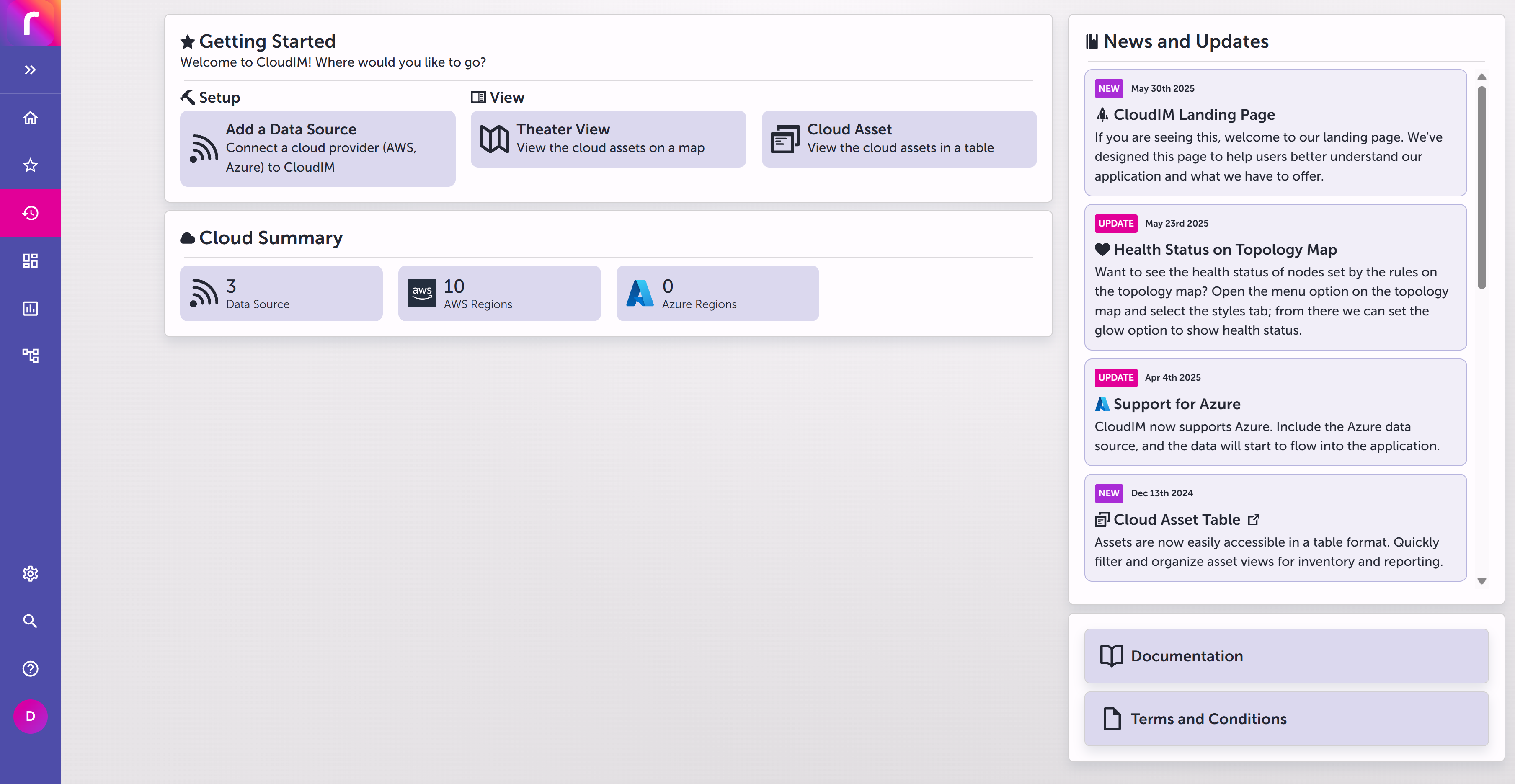
Getting Started
Under Getting Started, select:
-
Add a Data Source to connect an AWS
 Amazon Web Services. A cloud computing platform that provides infrastructure services, including data storage and AI inference services used by . or Azure Microsoft Azure. A cloud computing platform that provides infrastructure services, including blob storage for PCAP files and AI inference services used by . cloud provider to CloudIM. For setup steps, see Configuring CloudIM.
 -
Theater View to view cloud resources geographically. Theater View can also include Riverbed NetIM resources when Riverbed NetIM is connected through the Riverbed Edge. See Theater View and Topology Map.
-
Cloud Asset to view cloud resources in a table. See CloudIM Assets View.
Cloud Summary
Cloud Summary shows the number of configured data sources, discovered AWS and Azure regions, and rules.
News and terms
The right side of the page provides News and Updates, plus links to Documentation and Terms and Conditions.