Using Multiple Group Bys in Analysis
Using multiple group bys In Workspaces Data Forensics, a dimension (e.g. application, host, service, client IP) that you choose from the sidebar to load data into the main table. Data is aggregated or broken down by that dimension. The sidebar lists available group bys for the selected analysis workspace. in the Main Table can help you locate relevant data more efficiently. For example, by first grouping by application and then by location, you can observe how a specific app performs across different sites. This layered grouping helps pinpoint performance anomalies and surface root causes more quickly than using a single group by.
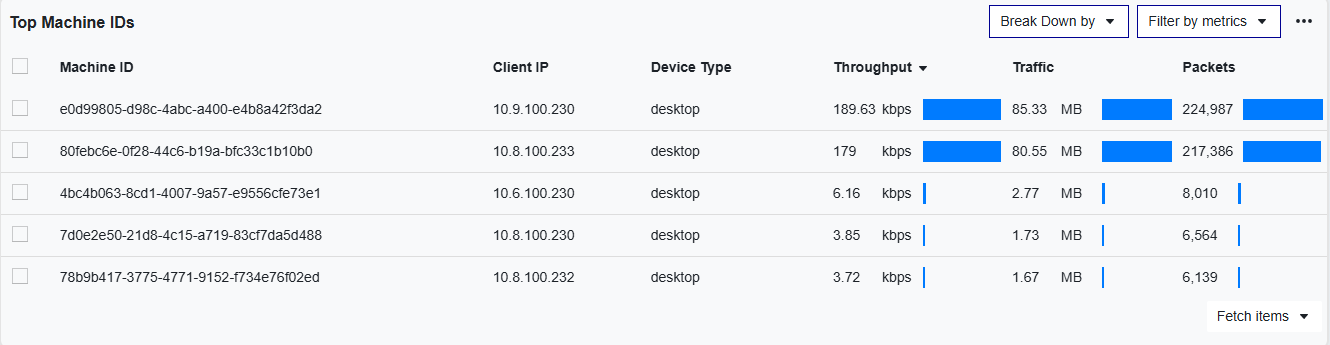
To use the Main Table to analyze multiple group bys:
-
Place a group by in the Main Table.
-
Click the Break Down by drop-down.
-
Select additional group bys from the drop down. You must select at least one group by but can add as many as needed.
-
Your additional group by will appear in the Main Table.